
This guide shows you how to change game modes on a Minecraft Java server—temporarily for yourself or specific players, and permanently via the server configuration.
What Each Mode Does
- Survival — Health, hunger, and resource gathering. Standard gameplay.
- Creative — Unlimited blocks, flight, no damage. Building & testing.
- Adventure — Interact with blocks only if tools/plugins allow. Great for maps.
- Spectator — Free-fly/Noclip, Allows you to fly through blocks and spectate mods/Players.
Quick Method: Use the Console (Recommended)
- Log in to the HostByte Game Panel.
- Select your Java server.
- Open Console from the left sidebar.
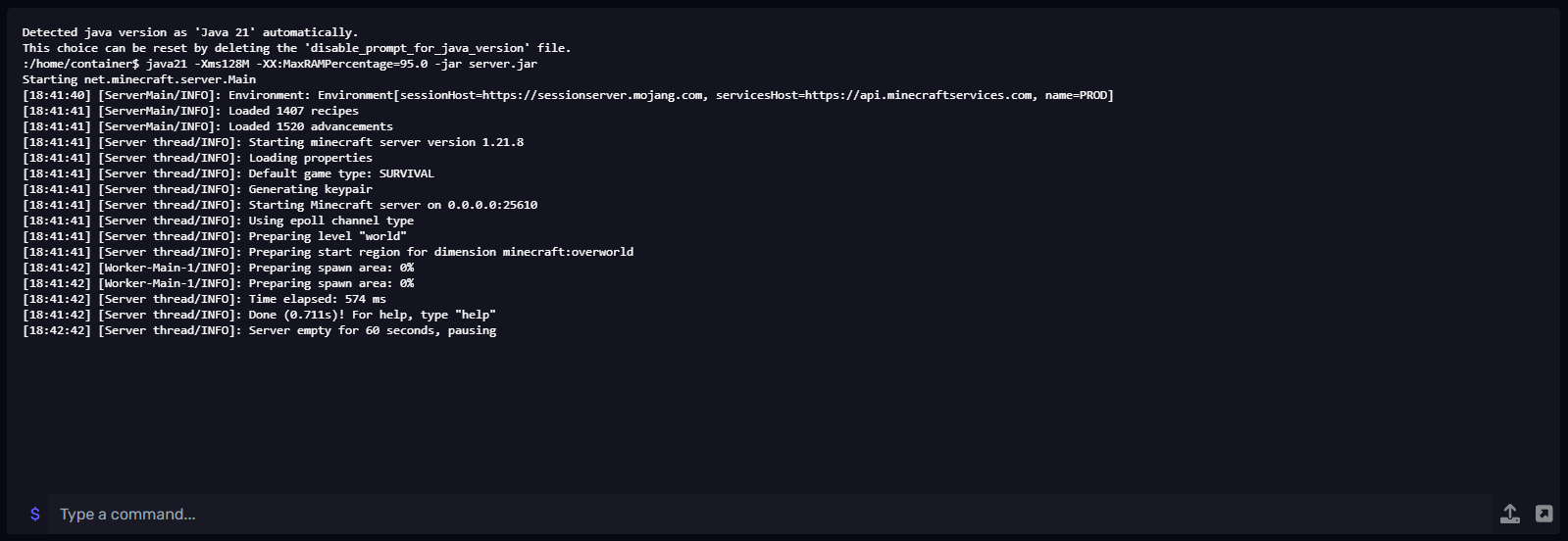
Change another player’s mode
From the console (no slash):
gamemode survival PlayerName
gamemode creative PlayerName
gamemode adventure PlayerName
gamemode spectator PlayerName
In-game (as OP):
/gamemode survival PlayerName
/gamemode creative PlayerName
/gamemode adventure PlayerName
/gamemode spectator PlayerName
Need OP? In the console: op PlayerName. Remove with deop PlayerName.
Set the Default Mode for New Players (server.properties)
To make a mode the default when players first join:
- Go to File Manager → open
server.properties. - Set the line:
Allowed values:gamemode=survivalsurvival,creative,adventure,spectator. - You can also Force everyone to that mode on join:
force-gamemode=true - Save and Restart the server.
Command alternative (no file edit)
As an OP in-game or from console:
/defaultgamemode survival
/defaultgamemode creative
/defaultgamemode adventure
Restart not required; affects new joins. Use force-gamemode=true to apply on every join.
⚠️ Common Issues & Fixes
“You do not have permission”
- OP yourself (
op PlayerName) or grant the permission node via LuckPerms.
Players revert to another mode when joining
- Check
force-gamemodeinserver.properties. Settrueto enforcegamemode=...on join. - Some plugins (Essentials, Multiverse, minigames) can override modes—review their configs.
Command works in console but not in-game
- Player isn’t OP or lacks permission.
- Another plugin is intercepting or aliasing the command—try
/minecraft:gamemode.
Best Practices
- Enforce Survival on public survival servers:
gamemode=survival+force-gamemode=true. - Use Creative only for trusted builders (separate build world if possible).
- Lock Adventure for lobby/hub worlds to prevent grief.
Getting Help
- Knowledge Base: See related Java guides (OP, permissions, Multiverse).
- Support Ticket: Log in to your HostByte account to open a ticket.
- Discord: Join our community:
- Status Page: Check maintenance/outages: status.hostbyte.net.